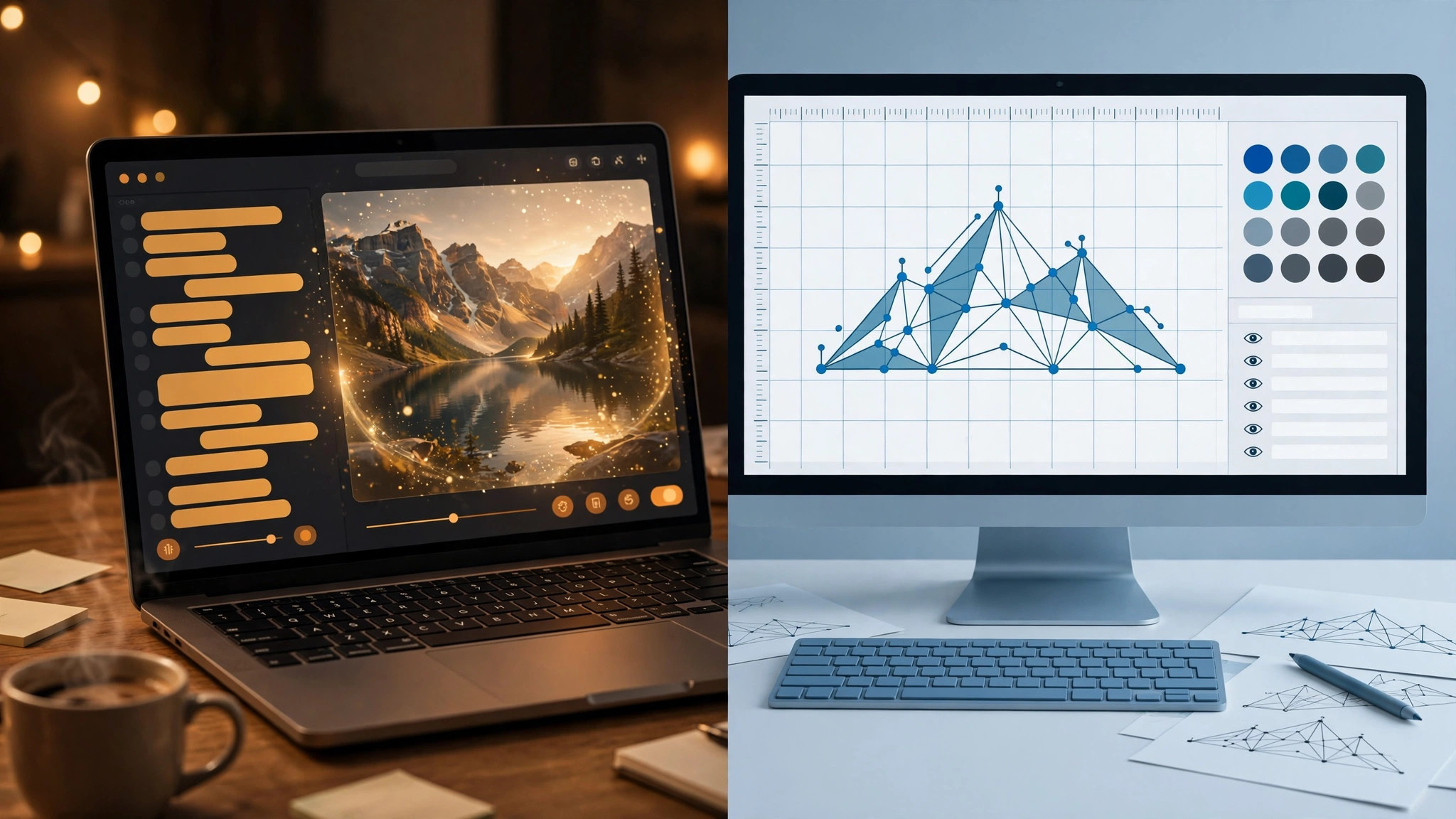
ChatGPT Images and Recraft both create and edit images, but their strongest workflows are fundamentally different. ChatGPT Images 2.5 is the stronger choice when you want to create, discuss and repeatedly refine an image through natural-language conversation. Recraft V4.1 is the stronger choice when the generated result needs to become a production design asset, especially an editable vector with direct SVG finishing and repeatable design controls.
The short answer
| Need | Better fit | Why |
|---|---|---|
| Conversational image ideation | ChatGPT Images | Generation and revisions happen inside an ongoing conversation |
| Repeated natural-language edits | ChatGPT Images | Images 2.5 is designed for stronger multi-turn edit consistency |
| Editable SVG and vector design | Recraft | Native vector generation plus direct anchor-point editing |
| Reference-based image changes | ChatGPT Images | Images 2.5 improves reference-subject preservation during edits |
| Reusable visual styles for design systems | Recraft | V4 Styles can be reused and exposed through the API |
| Raster and vector production automation | Recraft | Its API is explicitly built around design operations and batch workflows |
The important distinction is not simply image quality. ChatGPT treats the image as part of a conversation. Recraft treats the image as a design object that can continue through a structured production workflow.
Current products: Images 2.5 vs Recraft V4.1
ChatGPT Images 2.5 launched in September 2026 with sharper detail, more precise editing, better preservation of subjects from reference photos and generation latency reduced by up to 50% compared with Images 2.0.
Recraft’s current model family is V4.1. It includes V4.1 Vector for native vector output and a Utility variant intended for more predictable production work. Around the models, Recraft provides direct vector editing, reusable styles and an API focused on design operations.
Those updates make older DALL-E-versus-Recraft comparisons much less useful. The current choice is between a substantially improved conversational image system and a substantially expanded design-production platform.
Generation and prompt workflow
ChatGPT’s biggest advantage is that a visual brief does not have to be perfectly specified in one prompt. A user can describe an idea, review the result, explain what should change, add a reference image and continue refining the concept through normal conversation.
This works particularly well when the brief is still evolving. A marketer can ask for a product visual, then change the setting, add copy, make the background transparent and refine the composition without translating every change into a specialized design control.
Recraft is more deliberate. Its generation workflow is designed around image and design controls rather than an open-ended assistant conversation. That can be preferable when the desired output type, style and production constraints are already known.
For a broader view of how Recraft fits beside other image systems, see our best AI image generators guide.
Editing: conversation vs production canvas
Editing is one of the biggest improvements in Images 2.5. OpenAI says the model follows editing instructions more reliably across multiple turns, with earlier changes more likely to remain intact as new edits are added.
That is a practical advantage for iterative creative work. Instead of repeatedly regenerating an asset and hoping previous details survive, the user can keep refining the same image through conversation.
Images 2.5 also improves reference-subject preservation, which matters when an uploaded person, product or other visual element must remain recognizable while the environment, style or composition changes.
Recraft also supports prompt-based editing, inpainting and outpainting, but its editing workflow is more tightly connected to design operations. A generated raster asset can be edited, while a generated vector can continue into direct path-level refinement.
So the difference is not that one product edits and the other does not. ChatGPT is stronger at conversational iterative editing; Recraft is stronger when editing needs to become structured design production.
Text, layouts and transparent backgrounds
ChatGPT Images can add text inside generated images and can create transparent backgrounds. Images 2.5 also improves handling of complex visual instructions and layouts, making it useful for posters, simple infographics, marketing concepts and other compositions where text and graphics need to work together.
That capability is especially convenient because the image can be discussed in the same chat as the copy, layout idea and revision instructions. The user can ask for wording changes without moving the image into a separate editor first.
Recraft also places strong emphasis on design-oriented output, including typography and visual composition. The difference appears when the final asset needs to remain structurally editable rather than simply look correct as a rendered image.
A transparent PNG or WebP is useful for compositing. It is not the same deliverable as an SVG whose paths, curves and colors can be edited individually.
Vector design is Recraft’s decisive advantage
This is the clearest structural difference between the products. Recraft’s vector models generate editable SVG assets, and its Vector Editor lets designers move anchor points, adjust curves and recolor shapes inside the same environment.
That makes Recraft the stronger tool for icons, scalable illustrations, symbols, logo concepts and other assets that need to survive beyond the generated preview.
ChatGPT Images can create graphics with clean text, transparent backgrounds and complex layouts, but OpenAI’s current ChatGPT Images documentation is centered on generated and edited images rather than a native vector-production and anchor-point-editing workflow.
The useful distinction is therefore not “Can ChatGPT make something that looks like vector art?” It can generate many graphic styles. The question is whether the deliverable must be an editable vector asset. If the answer is yes, Recraft has the clearer workflow.
Our Recraft review covers the V4.1 vector and editing stack in more detail.
Style consistency and repeatable assets
Both tools can help maintain a visual direction, but they do it differently.
ChatGPT Images 2.5 improves style adherence, reference preservation and multi-turn consistency. That makes it easier to keep refining a creative direction within one conversation while retaining important visual details.
Recraft V4 Styles are more explicit production controls. A style reference can be reused across later generations, and the style system is available through the API. That is useful when a team needs to generate a family of assets that should consistently belong to the same design system.
For exploratory campaign direction, the conversational approach can be easier. For a repeatable production library, Recraft’s dedicated style system is more structured.
Templates, Sketch and creative starting points
Images 2.5 adds product-level tools that make starting a visual less dependent on prompt writing. Templates provide common creative formats, while Sketch lets users draw a rough idea and use that drawing as a reference for the final image. Users can also place comments directly on images for focused changes.
Those features reinforce ChatGPT’s role as an ideation and iteration environment. A rough thought can become a sketch, then an image, then a series of conversational edits without the user needing to define the entire creative structure up front.
Recraft’s canvas is more design-centric. The creator starts closer to a production environment and gains more explicit controls over the output as a design asset.
API and automation
Both platforms now have serious developer options, but the APIs reflect their product philosophies.
OpenAI’s current image-generation stack includes GPT-Image-2.5 Flare for fast high-quality generation and GPT-Image-2.5 Sunburst for more precise detailed creative work. The API supports image generation and editing as part of broader application workflows.
Recraft’s API is more directly design-operation focused. It covers raster and vector generation, prompt-based editing, background removal, inpainting, outpainting, batch jobs and asynchronous processing.
For a product that needs general-purpose conversational or multimodal image generation, OpenAI’s image models are a natural fit. For a design system that specifically needs native vector output and asset-processing operations, Recraft’s API has the clearer production orientation.
Which tool fits which workflow?
| Workflow | Choose | Reason |
|---|---|---|
| Marketer developing an image through conversation | ChatGPT Images | Natural-language iteration is the core workflow |
| Designer producing icons or scalable illustrations | Recraft | Native SVG output and vector editing |
| Product image that needs repeated scene changes | ChatGPT Images | Reference preservation and multi-turn editing are strong fits |
| Brand team building a repeatable illustration library | Recraft | V4 Styles and production controls support consistent asset families |
| Creator starting from a rough sketch | ChatGPT Images | Sketch-to-image is integrated into the product workflow |
| Developer automating vector and raster design assets | Recraft | Vector generation and design-processing operations are built into the API |
If your decision is between Recraft and a more aesthetics-first generator rather than a conversational assistant, our Recraft vs Midjourney comparison covers that separate choice.
Final verdict
Choose ChatGPT Images when the creative process is conversational: describe an idea, upload references, generate, discuss the result and keep refining it through natural-language edits.
Choose Recraft when the generated result is expected to become a structured production asset. Native editable vectors, direct vector finishing, reusable styles and a design-focused API are the decisive advantages.
Frequently asked questions
Is ChatGPT Images better than Recraft?
ChatGPT Images is better for conversational generation and iterative editing. Recraft is better for native vector production and structured design workflows.
Which is better for editing?
ChatGPT Images 2.5 is particularly strong for repeated natural-language edits and preserving prior changes across a conversation. Recraft is stronger when the edit needs to continue into vector or production-design operations.
Which is better for text in images?
ChatGPT Images can generate text inside images and handle increasingly complex layouts. Recraft also targets design-oriented typography. The deciding factor is usually whether the final asset only needs correct rendered text or must remain a structurally editable design asset.
Can ChatGPT Images create vectors?
ChatGPT can generate graphic and illustration styles, but Recraft has the documented native SVG generation and direct vector-editing workflow. If an editable vector file is the required deliverable, Recraft is the safer choice.
Which is better for developers?
Both have APIs. OpenAI is strong for general-purpose image generation and editing inside conversational or multimodal products, while Recraft is stronger for design pipelines that specifically need raster and vector asset operations.