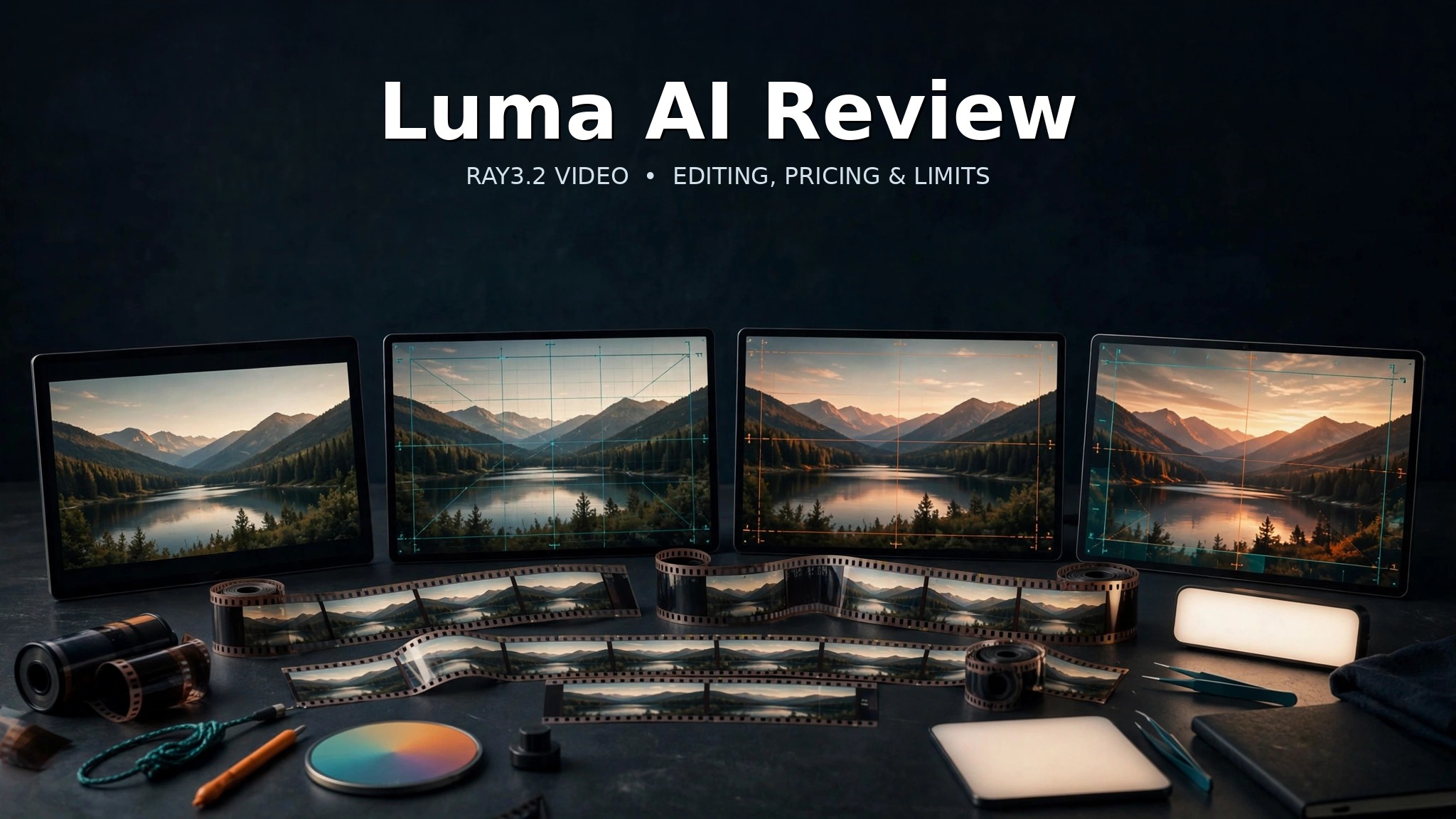
Luma AI in 2026 is broader than the old Dream Machine label that still appears across search results. The current Luma App combines Luma’s own Ray video models, editing and reframing tools, agent-guided workflows, image generation and access to selected third-party video models inside the same creative workspace.
That breadth is Luma’s main advantage. It can support several stages of short-form video production without forcing a team into one model. The trade-off is cost complexity: credits vary by model, resolution, duration and operation, so a workflow that looks affordable at draft quality can become expensive when the same shot needs repeated 1080p generations or transformations.
For creators who want a flexible workspace rather than a single text-to-video model, Luma is one of the more interesting options in the current AI video market. For users who only need occasional clips, its plan and credit structure can be more than they need.
What Luma AI is in 2026
The current product is best understood as the Luma App, not simply Dream Machine. Dream Machine remains a familiar search term and older product label, but Luma’s live product surface now combines image, video and agent workflows and exposes multiple generation routes.
Luma’s own Ray family remains central to video work. At the same time, the company’s current pricing matrix lists third-party video models from providers including Seedance, Kling, Veo and Minimax. That means choosing Luma is partly a decision about the workspace and workflow layer, not only about one Luma-built model.
The multi-model approach has practical benefits. A team can test one route for a new shot, another for an existing-video transformation and another for a specific audio or resolution requirement without rebuilding its whole project environment. It also means model names, prices and capabilities need to be tracked carefully because the available catalog can change faster than a traditional editing application.
Ray3.2: generation and transformation workflows
Luma’s current Luma’s live pricing and credit table lists Ray3.2 across text-to-video, image-to-video, video-to-video and reframe operations, with output options from draft quality through 1080p.
Text-to-video is the obvious starting point when the user has a written scene description. Image-to-video is often more useful when a product, character, composition or visual identity already exists and the goal is to add motion. Video-to-video starts from source footage and changes its visual treatment while preserving more of the original timing and movement. Reframe adapts an existing clip to another aspect ratio.
Those modes solve different problems. A marketing team might begin with a product still, animate it into a five-second shot, then reframe the accepted result for vertical social delivery. A filmmaker doing previsualization may instead start from a text prompt, use a low-cost draft to test camera direction, and only spend higher-resolution credits after the shot concept is stable.
Ray3.2 also supports HDR-priced variants according to Luma’s current table. Higher dynamic-range output can matter to production teams that know how the material will be finished later, but it should not be treated as a substitute for inspecting motion, identity, geometry and small details frame by frame.
Luma’s multi-model workspace
Luma is unusual because the app’s current price sheet does not stop at Ray. It lists Luma models alongside selected third-party models such as Seedance 2.0 and 2.5, Kling Omni and Kling 3.0, Veo 3.1 and Minimax options.
This can be useful when a creator cares more about the finished shot than about loyalty to one model family. Different models may be better suited to different jobs, and keeping them inside one workspace can reduce the friction of moving references and outputs between separate services.
The downside is decision overhead. A user now has to choose not only a prompt, duration and resolution but also the generation route. Two model options that both say “text-to-video” may have different audio support, aspect-ratio behavior, credit costs and strengths. Teams should record which model and settings produced an approved asset so later revisions can reproduce the same workflow.
Editing, reframe and production workflow
AI video is rarely finished after the first generation. Luma’s value is stronger when its generation modes are combined with transformation, reframe and iterative editing.
Reframe is especially useful for real distribution work. A landscape clip approved for a website or YouTube may also need a vertical version for short-form social. Generative reframing can create missing visual area rather than simply cropping the original frame, although the newly generated regions still need review for continuity and unwanted objects.
Video-to-video transformation is another differentiator. Starting from real footage gives the model a timing and motion foundation that a pure text prompt does not provide. That can be useful for changing atmosphere, materials, environment or style while retaining the underlying shot.
Luma does not replace a full nonlinear editor, compositing suite or color-grading application. A professional project still needs normal post-production for exact cuts, audio mixing, captions, legal review and final delivery. Luma is better viewed as a generative creation and transformation layer inside that wider production process.
Pricing and credits
Luma’s current individual plans are Plus, Pro and Ultra. Plus costs $30 per month and includes 10,000 credits. Pro costs $90 per month with 40,000 credits. Ultra costs $300 per month with 150,000 credits. Annual billing is listed at $300, $900 and $3,000 respectively.
| Plan | Monthly price | Credits | Best fit |
|---|---|---|---|
| Plus | $30 | 10,000 | Individual creators and lighter professional work |
| Pro | $90 | 40,000 | Regular production and higher iteration volume |
| Ultra | $300 | 150,000 | Heavy individual production and agent usage |
Credit economics matter more than the headline subscription. For Ray3.2 base SDR, Luma currently lists a five-second 720p text-to-video or image-to-video generation at 100 credits. The same five seconds at 1080p costs 400 credits. HDR is priced at twice the SDR base and HDR+EXR at three times.
| Ray3.2 operation | 720p | 1080p |
|---|---|---|
| Text-to-video or image-to-video, 5 seconds | 100 credits | 400 credits |
| Text-to-video or image-to-video, 10 seconds | 300 credits | 1,200 credits |
A simple budget example shows why retries matter. Ten five-second attempts at 720p use 1,000 credits. Ten equivalent attempts at 1080p use 4,000. If a difficult shot takes several candidates before one is usable, practical cost can rise quickly even though the monthly plan itself appears straightforward.
The best approach is to test direction at lower-cost settings and reserve high-resolution generations for prompts and references that are already close to the intended result.
Developers should budget separately from browser users. Current pricing analyses based on Luma’s product surfaces distinguish Luma App subscriptions from Luma API billing, so a monthly app credit balance should not be treated as an API allowance. Teams building automated pipelines should price the exact API model, duration, resolution and retry pattern independently from the creative app subscription.
Commercial use, teams and production governance
Luma’s current Plus plan explicitly includes commercial use, and Pro and Ultra inherit the broader paid-plan feature set. Plus also includes access to Luma and selected third-party image/video models and guest collaborator editing.
For organizations, Luma lists Team and Enterprise options. The current business-plan matrix includes team-member management, projects, organization-wide sharing, usage analytics, shared credits and SSO. Enterprise adds broader commitments, training and custom fine-tuning options.
These controls matter because creative AI production becomes harder to manage when every employee uses an individual account with different references, model choices and billing. A shared workspace and usage reporting can be more valuable than a small reduction in per-generation price.
Commercial-use permission also does not remove normal rights obligations. Teams still need permission for uploaded footage, identifiable people, voices, music, trademarks and reference assets. Generated material should be reviewed before being treated as final client work.
Where Luma AI falls short
The first limitation is the credit system. Different models, resolutions and operations consume different amounts, which makes a simple “how many videos do I get?” answer impossible. Cost is determined by the workflow, not merely the plan.
Second, higher resolution multiplies the impact of failed or mediocre attempts. A 1080p Ray3.2 generation costs several times more than the 720p equivalent, so users who iterate carelessly can exhaust a monthly allowance faster than expected.
Third, multi-model access creates complexity. Luma’s breadth is valuable, but a creator may need to learn which model is appropriate for generation, transformation, audio or a particular resolution. The app is not as simple as using one model with one predictable cost table.
Finally, generated video remains nondeterministic. People, hands, objects, logos, text and scene continuity can drift. Upscaling or HDR output does not correct a concept that is wrong at the generation stage.
Luma AI vs Runway and Google Flow
Runway remains a useful alternative for creators who want a mature AI-video platform with its own model family and editing ecosystem. Our Runway review covers that workflow in detail.
Google Flow is more explicitly positioned around filmmaking workflows and Google’s video-generation stack. Our Google Flow review is more relevant for users who want Google’s models and scene-oriented creative workflow.
Luma’s advantage is flexibility: its own Ray workflows, agent layer, editing and partner-model access sit together. The better choice depends on whether a team values that multi-model workspace more than a tighter single-vendor model/editing ecosystem. Readers comparing the broader field can see our guide to the best AI video generators.
Who should use Luma AI?
| User | Fit | Why |
|---|---|---|
| Creative and marketing teams | Strong | Multiple generation routes, commercial use and shared-workflow options |
| Filmmakers and previsualization teams | Strong | Text/image generation, video transformation and reframing support shot development |
| Creators with existing footage | Strong | Video-to-video transformation can preserve source timing and motion |
| High-volume 1080p users | Mixed | Credit burn can become significant when shots need multiple attempts |
| Casual users making occasional clips | Mixed | The paid plans and model choices may be more complexity than necessary |
Responsible use
This review evaluates Luma for legitimate creative work: advertising concepts, product visuals, filmmaking, previsualization, publishing and professional design. It does not promote sexualized or obscene use cases, non-consensual deepfakes, deceptive impersonation or misuse of another person’s likeness.
Use source footage and reference material only when you have the right to use it. Review generated people, products and branded material carefully, and keep human approval in the loop for anything presented as factual or authentic.
Our AI tool review methodology separates sourced product capabilities from editorial fit judgments like these.
Luma AI review: final verdict
Luma AI is compelling in 2026 because it has evolved beyond a single Dream Machine generator. Ray3.2, editing and reframing, Luma Agents and selected partner models make the app a flexible creative workspace for teams that need several routes to a usable video.
The biggest caveat is cost discipline. Credits disappear much faster when a project moves from drafts to repeated 1080p attempts, and multi-model breadth requires users to understand which route they are paying for. Luma is therefore strongest for creators who will actually use its workflow depth rather than people who only need an occasional one-off clip.
Frequently asked questions
Is Luma AI free?
Luma provides limited ways to evaluate its product, but its current public pricing page centers on paid Plus, Pro and Ultra plans. Availability and free allowances can change, so check the account and live pricing surface before relying on a specific free quota.
What is Ray3.2?
Ray3.2 is part of Luma’s current video-model lineup. Luma’s live pricing matrix lists it for text-to-video, image-to-video, video-to-video and reframe operations at several resolutions.
How much does Luma AI cost?
Current individual plans are Plus at $30 per month, Pro at $90 and Ultra at $300, with 10,000, 40,000 and 150,000 credits respectively.
Can Luma AI be used commercially?
Yes on the current Plus plan and higher according to Luma’s pricing page. Users still need to respect rights in uploaded footage, people, music, trademarks and other source material.
Is Luma better than Runway?
Not universally. Luma is attractive for its multi-model workspace, Ray transformations and flexible production routes. Runway may suit teams that prefer its own model and editing ecosystem. The better choice depends on the workflow and budget.