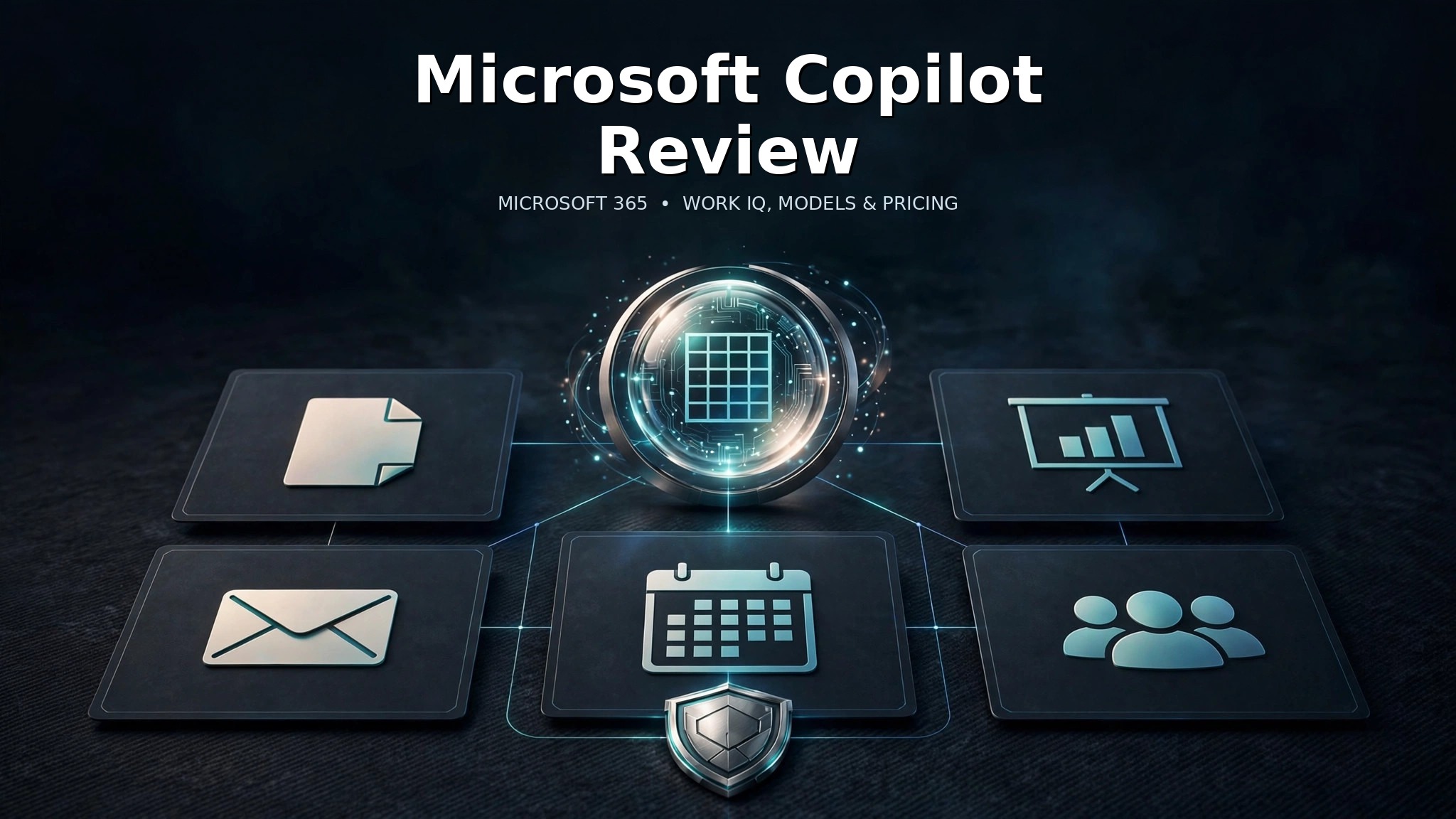
Microsoft Copilot in 2026 is most useful when it is allowed to work inside Microsoft 365 rather than operate as a standalone chatbot. The baseline Copilot Chat experience can answer web-grounded questions and work with files or open content you explicitly provide. The paid Microsoft 365 Copilot experience goes further by grounding responses in organizational context through Microsoft Graph and Work IQ, while also bringing Copilot directly into Word, Excel, PowerPoint, Outlook, Teams and other Microsoft 365 apps.
That distinction is the key to understanding the product. If you mainly want a general-purpose AI assistant, Copilot competes with ChatGPT, Claude, Gemini and other chat systems. If your daily work already lives in Microsoft 365, the value proposition changes because Copilot can reason over the same documents, meetings, email, calendars and relationships you already use for work.
What Microsoft Copilot is in 2026
Microsoft uses the Copilot name across several products, so the terminology can be confusing. This review focuses on the general Microsoft Copilot and Microsoft 365 Copilot experiences rather than GitHub Copilot, Security Copilot or the Copilot features inside Power Automate.
The current business product includes Copilot Chat, the Microsoft Copilot app, Search, Notebooks, Create and app-level integration across Microsoft 365. The paid Microsoft 365 experience adds deeper work-data grounding, reasoning features and agents.
The practical difference is context. A standalone assistant can help draft text, summarize an uploaded document or brainstorm ideas. Microsoft 365 Copilot is designed to work with the files, meetings and communications already connected to your organization, subject to permissions and licensing.
Copilot Chat vs Microsoft 365 Copilot
Microsoft’s current technical documentation separates a baseline Copilot Chat experience from the full Microsoft 365 Copilot experience. Eligible Microsoft 365 users can access Copilot Chat without buying the paid Copilot add-on.
Copilot Chat is primarily web-grounded. It can use organizational content when you deliberately give it that context, such as by uploading a file, working with content already open in supported Microsoft 365 apps, or using a separately metered agent that has access to work data.
Microsoft 365 Copilot goes further. The paid experience can use Microsoft Graph and Work IQ automatically, so users do not have to manually attach every relevant email, file or meeting before asking a work-related question.
| Capability | Copilot Chat | Microsoft 365 Copilot |
|---|---|---|
| Web-grounded AI chat | Yes | Yes |
| Use uploaded files | Yes | Yes |
| Automatic Microsoft Graph grounding | Limited / not automatic | Yes |
| Work IQ | Not the full paid experience | Yes |
| Deep app integration | Limited by plan and context | Yes |
| Prebuilt Microsoft agents | More limited / metered scenarios | Included in paid plans |
This is why a review that treats Copilot as one single product misses the most important buying decision. The question is not merely whether you want AI chat; it is whether you want AI chat connected to your Microsoft 365 work context.
Work IQ and Microsoft 365 integration
Work IQ is Microsoft’s intelligence layer for understanding organizational context. In the paid Microsoft 365 Copilot experience, it works alongside Microsoft Graph to enrich answers with information from emails, files, meetings, calendars, Teams activity and organizational relationships.
That can make ordinary prompts much more useful. A manager can ask for the status of a project and have Copilot draw from meetings, email and relevant files rather than relying on a manually prepared prompt. A user in Outlook can summarize a thread, move into Word to draft a response document and then use PowerPoint to build a presentation from related material.
Microsoft’s own Microsoft’s Copilot technical overview is the best current source for the distinction between basic chat and premium work-data grounding.
The same integration is also Copilot’s biggest strategic advantage over a standalone chatbot. If your organization does not use Microsoft 365 heavily, there is less connected work context for Copilot to exploit.
Models and reasoning modes
Microsoft currently advertises access to the latest OpenAI GPT-5.X models in its business Copilot plans. The product also exposes model choice and routing rather than forcing users to think about one static model name for every task.
Microsoft’s current documentation describes modes such as Auto, Quick response and Think deeper. Auto allows Copilot to route the prompt based on the job. Quick response prioritizes speed for routine questions. Think deeper is intended for more complex or open-ended tasks that need additional reasoning.
That routing approach is useful because a workplace assistant handles a wide range of jobs. Drafting a short reply should not need the same latency or reasoning budget as comparing multiple documents, analyzing a dataset or building a research plan.
It is important not to confuse access to an OpenAI model with owning that model. Microsoft is the product and workflow provider here; the underlying model layer can include third-party models and can change over time.
Agents and deeper work
Microsoft 365 Copilot Business currently includes prebuilt Microsoft agents such as Researcher, Analyst and Facilitator. These agents are intended for more focused tasks than a generic chat prompt.
Researcher is relevant for multi-source research and synthesis. Analyst is aimed at data-oriented reasoning and analysis. Facilitator is designed around meetings and collaborative work. Microsoft also supports custom agents through Agent Builder and Copilot Studio, depending on licensing and usage.
For organizations, this is an important shift. Copilot is becoming less like one universal chat box and more like a collection of specialized AI workers that share Microsoft 365 context, policies and permissions.
Readers looking for workflow automation rather than general assistance should also see our Microsoft Power Automate review, because Power Automate and Copilot solve related but different problems.
Pricing and plans
Microsoft’s current business pricing is more complicated than older “$30 per user” summaries suggest. The live Microsoft’s current Copilot business pricing page lists Microsoft 365 Copilot Business at a promotional $18 per user per month when paid yearly, with a regular starting price of $21. Microsoft states that the current promotion runs from July 1 through December 31, 2026 and requires an annual commitment. Monthly billing is listed at $25.20 per user.
Microsoft also sells bundles that combine Microsoft 365 business subscriptions with Copilot. Business Standard with Copilot is currently $23.50 per user per month when paid yearly, while Business Premium with Copilot is $32 per user per month when paid yearly.
| Business option | Current price | Notes |
|---|---|---|
| Microsoft 365 Copilot Business add-on | $18/user/month paid yearly during current promotion | Regular starting price $21; promotion ends Dec. 31, 2026 |
| Microsoft 365 Business Standard with Copilot | $23.50/user/month paid yearly | Includes Microsoft 365 Business Standard plus Copilot |
| Microsoft 365 Business Premium with Copilot | $32/user/month paid yearly | Adds the broader Business Premium security/admin stack |
These prices should be treated as an October 2026 snapshot. Microsoft frequently changes bundles, promotions and usage-based agent pricing, so organizations should recheck the live pricing page before procurement.
Privacy and enterprise data protection
For business adoption, privacy matters as much as model quality. Microsoft says Copilot Chat and Microsoft 365 Copilot experiences are protected by Enterprise Data Protection when users sign in with Microsoft Entra accounts.
Microsoft states that prompts and responses under EDP are protected by the same contractual commitments customers rely on for Exchange email and SharePoint files. The paid Microsoft 365 Copilot experience also respects organizational permissions when grounding answers in Microsoft Graph and Work IQ.
That does not remove the need for governance. Organizations still need sensible SharePoint permissions, data classification, retention policies and user training. A poorly governed document repository can make any AI assistant more likely to surface information to people who technically have access but should not routinely see it.
Copilot should therefore be deployed alongside normal Microsoft 365 governance rather than treated as a separate security boundary.
How Copilot changes everyday Microsoft 365 work
The most practical way to judge Copilot is to look at repeated work rather than novelty. In Word, the value is usually faster drafting, restructuring and summarization. In Outlook, it is faster thread review and response preparation. In Teams, meeting recap and action-item extraction can reduce catch-up time. In Excel, natural-language assistance can help users move from a question to a formula, chart or analysis path without remembering every function.
These gains are not uniform. A user who spends most of the day inside one or two Microsoft apps may see a clearer return than someone whose work is fragmented across many external systems. The strongest deployments therefore begin with a small set of recurring, measurable workflows—meeting follow-up, document drafting, inbox triage or data analysis—rather than simply giving every employee a license and hoping usage becomes productive.
Organizations should also distinguish time saved from judgment outsourced. Copilot can compress routine work, but approvals, financial interpretation, legal language, personnel decisions and customer commitments still require accountable human review.
Where Microsoft Copilot falls short
The first limitation is ecosystem dependence. Copilot’s biggest advantages appear when a user spends the day in Microsoft 365. If most of your work happens in Google Workspace, Slack, Notion or specialist SaaS tools, the integration advantage becomes smaller.
Second, licensing is difficult to understand. Copilot Chat, Microsoft 365 Copilot, app-level Copilot features, usage-based agents, Copilot Studio and other Copilot-branded products can create confusion over what is included and what is separately billed.
Third, AI output still requires verification. Copilot can summarize a meeting, generate a formula, draft a presentation or synthesize email, but it can still misread context, omit important details or generate incorrect conclusions. The deeper the assistant reaches into business data, the more important human review becomes.
Finally, the value is uneven across apps. Some users may find Outlook, Teams and Word assistance transformative while getting little value from other surfaces. Organizations should pilot Copilot with representative workflows before licensing every employee.
Who should use Microsoft Copilot?
| User | Fit | Why |
|---|---|---|
| Microsoft 365-heavy businesses | Strong | Work IQ, Graph grounding and app integration use existing organizational context |
| Managers with heavy email and meeting load | Strong | Summaries, drafting and work-context retrieval can reduce routine information processing |
| Analysts and knowledge workers | Strong | Agents, Excel assistance and work-data grounding support research and analysis |
| Individual users who mainly want general AI chat | Mixed | Copilot Chat is useful, but the paid work-context advantage may not matter |
| Organizations outside Microsoft 365 | Mixed | The product loses its strongest ecosystem advantage |
For a broader look at assistant alternatives, see our best AI chatbots guide and ChatGPT review. Our AI tool review methodology explains how sourced capabilities are separated from editorial fit judgments.
Microsoft Copilot review: final verdict
Microsoft Copilot is not most compelling because it is another chatbot. It is compelling because Microsoft can place AI next to the work people already do in Outlook, Teams, Word, Excel, PowerPoint and the wider Microsoft 365 environment.
For organizations already standardized on Microsoft 365, the paid experience offers something a standalone assistant cannot reproduce without extra connectors and uploads: automatic grounding in organizational context through Microsoft Graph and Work IQ, governed by the same permissions and enterprise controls that already exist in the tenant.
For everyone else, the decision is less obvious. Copilot Chat is useful, but the paid upgrade becomes much easier to justify when Microsoft 365 integration, agents and work-data grounding are central to the job.
Frequently asked questions
Is Microsoft Copilot free?
Microsoft provides Copilot Chat to eligible Microsoft 365 users without the paid Copilot add-on. The full Microsoft 365 Copilot experience with deeper work-data grounding and app integration requires paid licensing.
How much does Microsoft 365 Copilot cost?
Microsoft 365 Copilot Business currently has a promotional annual-commitment price of $18 per user per month through December 31, 2026, with a regular starting price of $21. Bundled Microsoft 365 Business plans with Copilot have different prices.
What is Work IQ?
Work IQ is Microsoft’s intelligence layer for grounding Copilot and agents in organizational context, including Microsoft 365 content, relationships, workflows and connected business data.
Which models does Microsoft Copilot use?
Microsoft currently advertises access to the latest GPT-5.X models in its business plans and uses routing/model-choice features such as Auto, Quick response and Think deeper. The available model mix can change over time.
Is Microsoft Copilot better than ChatGPT?
It depends on workflow. Copilot has a strong advantage for users who want AI embedded directly in Microsoft 365 and grounded in organizational data. ChatGPT can be the better fit for users who prioritize a standalone general-purpose assistant and broader non-Microsoft workflows.