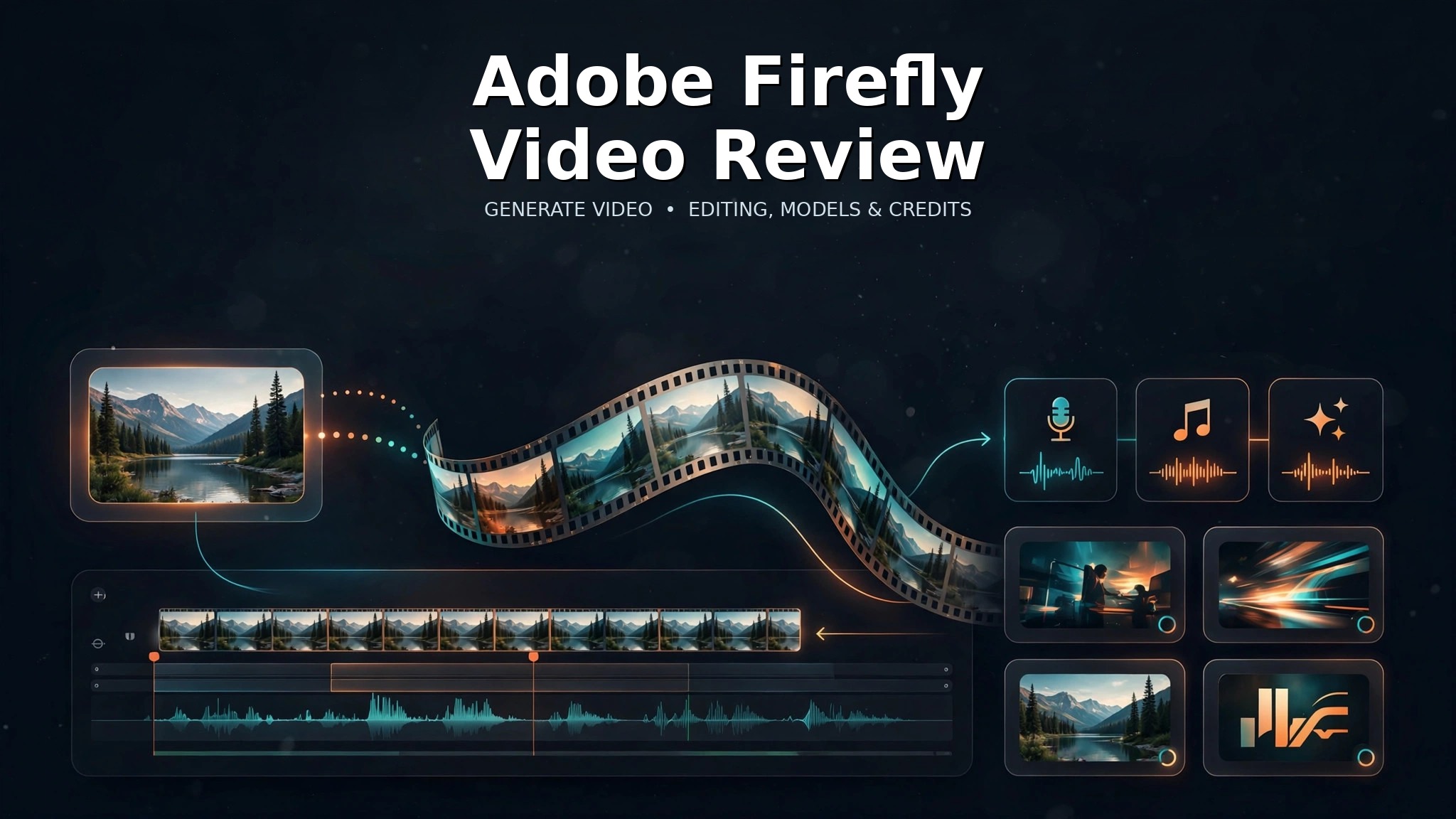
Adobe Firefly Video is most compelling in 2026 when video generation is only one step inside a larger creative workflow. Firefly can generate clips from text or an uploaded image, switch among Adobe and partner video models, edit and extend segments, and add voiceovers, music and sound effects without leaving the same workspace.
That makes it different from a single-model video generator. Adobe’s advantage is workflow integration: an idea can move from generation into revision, audio and the wider Adobe production stack rather than ending as a raw clip that must immediately be moved elsewhere.
The trade-off is pricing complexity. Video is a premium generative workload, and Adobe’s current credit documentation charges by model, resolution and duration. Creators who generate many 1080p iterations need to understand those costs before assuming a low monthly subscription will cover a full production schedule.
What Adobe Firefly Video is in 2026
Firefly is Adobe’s broader generative creative environment, but its video workflow now deserves to be evaluated separately from image generation. Generate Video supports prompt-driven creation, image-to-video, partner-model access and editing tools that can carry a clip beyond the first generation.
This article focuses on that video layer. Readers looking for Firefly’s broader image-generation and Creative Cloud capabilities can see our Adobe Firefly review.
Firefly’s strongest professional advantage is integration. A creator can compare generation routes, revise a clip and then continue into Adobe’s established production software. That does not guarantee that Adobe’s own model will outperform every specialist model; it means the workflow can be more coherent for teams already centered on Adobe tools.
Generate Video: text and image to video
Adobe’s Adobe’s Firefly AI video generator page says creators can generate clips from a text prompt or an uploaded image. Text to Video is useful when a shot begins as a written idea, while Image to Video is more suitable when the visual identity, product, composition or first frame already exists.
The interface also exposes controls such as aspect ratio, camera angle and motion. Those settings matter because a good AI video prompt should specify more than the subject. Direction such as camera distance, movement, lighting, pacing and intended format can reduce the amount of random variation between attempts.
Image-to-video is especially useful for commercial work where the source object must remain recognizable. A product still, illustration or concept frame can establish a visual anchor before motion is introduced. The generated result still needs frame-by-frame inspection because labels, small objects and identity details can drift during motion.
Multi-model video workspace
Firefly’s current Generate Video interface is a multi-model environment rather than a Firefly-only tool. Adobe currently shows the Firefly Video Model alongside partner choices including Veo 3.1, Luma AI Ray3.14, Runway Gen-4.5 and Kling 3.0.
That model choice is useful because different video systems can be better suited to different jobs. One model may be preferable for a controlled product shot, another for motion or audio, and another for a particular visual style. Keeping those routes in one Firefly workspace reduces the friction of managing separate accounts and moving assets between tools.
It also introduces a governance issue. Partner models are not Adobe models. Their availability, cost, capabilities and terms can differ, and a team should record which model produced an approved asset rather than treating every clip generated inside Firefly as if it came from the same system.
Our Runway review and Luma AI review cover two of those partner ecosystems directly.
Editing, extending and audio
Generation is only the first half of Firefly’s video proposition. Adobe’s current video editor can trim and reorder clips, swap models during editing, regenerate or extend a segment, and add voiceovers, music and sound effects without leaving the workspace.
That is significant for practical production. A creator may like the first three seconds of a generated shot but dislike the ending. Regenerating or extending the specific segment is more efficient than throwing away the entire idea. Likewise, moving from generation to a simple timeline makes it easier to assemble short social content or concept sequences before a project reaches a full nonlinear editor.
The built-in audio options are also helpful for rough production. They can reduce the need to export a clip just to add a temporary voiceover or sound layer. For final professional delivery, however, detailed audio mixing, color work, captions and exact editorial timing may still belong in Premiere Pro or another dedicated finishing application.
Pricing and generative credits
Adobe’s current individual Firefly plans are Standard at $9.99 per month, Pro at $19.99, Pro Plus at $49.99 and Premium at $199.99. The plans include 2,000, 4,000, 10,000 and 50,000 monthly generative credits respectively.
| Plan | Monthly price | Generative credits | Video fit |
|---|---|---|---|
| Standard | $9.99 | 2,000 | Light experimentation and occasional premium video |
| Pro | $19.99 | 4,000 | Regular creative work with moderate video use |
| Pro Plus | $49.99 | 10,000 | Heavier mixed image/video production |
| Premium | $199.99 | 50,000 | High-volume users; includes unlimited access to the Firefly Video Model in Generate Video |
For budgeting, the more useful reference is Adobe’s current Adobe’s generative credits FAQ. It lists Generate Video with the Firefly model at 20 credits per second for 540p at 24fps, 50 credits per second for 720p and 100 credits per second for 1080p.
| Firefly Generate Video | Current credit rate |
|---|---|
| 540p, 24fps | 20 credits per second |
| 720p, 24fps | 50 credits per second |
| 1080p, 24fps | 100 credits per second |
This makes resolution a real budget decision. A short draft at lower resolution can be far cheaper than repeated 1080p generations. For difficult shots, it is usually more economical to refine prompts, framing and source references before committing to the highest-cost output.
Partner models can have different credit rules, so the Firefly Video Model’s rates should not be assumed to apply to Veo, Runway, Luma or Kling generations inside Firefly.
What five seconds actually costs
Using Adobe’s current per-second rates, a five-second Firefly Video generation works out to 100 credits at 540p, 250 credits at 720p and 500 credits at 1080p. That difference changes how a creator should iterate. A storyboard or motion test does not always need the same resolution as an approved client-facing clip.
A practical workflow is to validate composition, camera direction and timing at a lower-cost setting, then move the strongest prompt and reference combination to the required delivery resolution. This does not guarantee a usable result, but it reduces the number of expensive high-resolution attempts spent on ideas that are still changing.
Teams should also keep partner-model usage separate in their budgets. Firefly’s partner models can have their own credit requirements and feature availability, so a mixed-model project needs a generation log rather than one assumed cost per clip. Record the model, duration, resolution, attempts and accepted outputs; that produces a much more useful cost-per-usable-shot figure than the subscription price alone.
Commercial use and partner-model terms
Adobe states that video created with the Adobe Firefly Video Model is safe for commercial use. That positioning is one of the strongest reasons professional Adobe users may prefer the native model for client-facing workflows.
The important qualification is that Firefly also hosts partner models. A partner-model output should be evaluated under the applicable provider and Adobe terms rather than automatically inheriting every claim Adobe makes about its own model family.
Commercial suitability also does not eliminate normal rights review. Uploaded footage, logos, music, identifiable people and reference assets still need to be used lawfully. A generated clip should be inspected for unintended third-party material, factual errors and identity drift before it is published as professional work.
Where Firefly Video falls short
The first limitation is credit burn. Premium video is much more expensive than standard image generation, and 1080p iterations can consume an allowance rapidly when a shot needs several attempts.
The second limitation is model complexity. Multi-model choice is useful, but it also means a project can become harder to reproduce. Teams should document model, resolution, aspect ratio, prompt and source assets for accepted clips.
Third, Firefly’s biggest advantage is also a reason some users may not need it. If a creator does not use Photoshop, Premiere, Express or other Adobe tools, the integration benefit is less valuable and a dedicated video platform may offer a more focused experience.
Finally, generative video remains probabilistic. Motion, hands, faces, product geometry, logos and text can change from frame to frame. Adobe’s editor can repair workflow problems, but it cannot guarantee that every generation will preserve all visual details correctly.
Firefly Video vs Runway and Luma AI
Runway is a more video-centered platform with its own model and editing ecosystem. It can make more sense when generative video itself is the main creative environment rather than one component of a broader Adobe workflow.
Luma AI is attractive for its own Ray models, transformations and multi-model app. Firefly differs by tying partner-model access to Adobe editing and Creative Cloud production rather than positioning itself mainly as an independent generative-video workspace.
For creators already using Adobe applications, Firefly can reduce handoffs. For teams choosing purely on model capability or cost per accepted clip, the better decision is to compare representative prompts and calculate actual retry costs. Our guide to the best AI video generators provides the broader category context.
Who should use Firefly Video?
| User | Fit | Why |
|---|---|---|
| Adobe Creative Cloud users | Strong | Generation and editing can continue into an established Adobe workflow |
| Marketing and creative teams | Strong | Multi-model access, editing and audio simplify short-form production |
| Professional teams prioritizing Adobe’s own commercial-use positioning | Strong | The Firefly Video Model has explicit Adobe commercial-use positioning |
| High-volume 1080p generators | Mixed | Credit consumption can become substantial on lower plans |
| Users outside the Adobe ecosystem | Mixed | A dedicated video platform may provide a more focused value proposition |
Responsible use
This review covers legitimate creative workflows such as product videos, B-roll, previsualization, social content and professional design. It does not promote sexualized or obscene content, non-consensual deepfakes, abusive face replacement or deceptive impersonation.
Use uploaded people, voices, footage, brands and music only when you have the appropriate rights and consent. Generated video should not be presented as authentic documentary evidence when it is synthetic.
Our AI tool review methodology explains how AiTechJournal separates sourced capabilities from editorial judgments.
Adobe Firefly Video review: final verdict
Firefly Video is strongest as part of an Adobe-centered production system. Text and image generation, partner-model choice, segment regeneration, extension, simple timeline editing and audio tools give creators a practical path from idea to a reviewable clip inside one environment.
The main caution is economics. Video credits can disappear quickly at higher resolutions, and partner models introduce their own costs and terms. Existing Adobe users have the clearest reason to adopt Firefly Video; creators who only want a standalone generator should compare specialist platforms before paying for ecosystem integration they may not use.
The purchase decision is therefore less about naming one video model the universal winner and more about whether Firefly removes enough handoffs between generation, editing, audio and final Adobe production to justify its credit budget.
Frequently asked questions
Is Adobe Firefly Video free?
Adobe offers limited free daily generations across Firefly. Paid plans increase generative credits and access to premium video features.
What video models can Firefly use?
Adobe currently lists its Firefly Video Model alongside partner options including Veo 3.1, Luma AI Ray3.14, Runway Gen-4.5 and Kling 3.0.
How much does Firefly Video cost?
Firefly Standard starts at $9.99 per month with 2,000 credits. Current Adobe documentation lists Firefly Generate Video at 20 credits per second at 540p, 50 at 720p and 100 at 1080p.
Can Firefly Video be used commercially?
Adobe states that videos generated with the Adobe Firefly Video Model are safe for commercial use. Partner-model outputs require separate terms and suitability review.
Is Firefly better than Runway?
It depends on workflow. Firefly is strongest for Adobe-centered production and multi-model access; Runway is more focused as a dedicated AI video environment.